 Seawall
Why an Offline Blocker Is Safer Than a VPN or DNS Filter
A blocker asks for trust twice. First, you trust it to block. Second, and quieter, you trust it with the most sensitive record on your phone: the list of things you were trying not to open, and every time you tried. How a blocker is built decides whether that second trust is even needed.
How VPN-based blockers work
Android and iOS let an app register as a VPN. Every connection the phone makes then flows through that app before it reaches the network. That is how most commercial blockers get their coverage, and it has consequences.
- The app sees every domain you connect to, from every app, all day. Some also open encrypted traffic to inspect pages. Whatever it sees, it could log, and its privacy policy is the only thing stopping it.
- The app needs full internet access to work, so a log, once written, can be uploaded. Many products do exactly that to feed a dashboard or an "accountability report".
- Only one VPN can run at a time on Android. If you use a real VPN for privacy or work, you pick one.
- A local tunnel costs battery, adds latency to everything, and when the app crashes or is force-stopped the blocking stops with it.
How DNS filters work
A DNS filter is lighter. You set your phone's Private DNS on Android, or a DNS profile on iOS, to a resolver that refuses to answer for adult domains. Nothing runs on the phone. The catch is that the resolver now sees every domain lookup from your phone, tied to your address, and the switch that turns it off sits one screen deep in Settings, unprotected. It also cannot block an app, cannot follow a schedule, cannot match a keyword, and is bypassed by any browser that brings its own encrypted DNS.
How an offline blocker works
Seawall uses the interfaces the operating system already provides for exactly this job. On Android it is the Accessibility service, which tells the app which app is in front and what the browser's address bar says. On iPhone it is Screen Time's Family Controls, where Apple applies the shields and never even tells Seawall which apps you chose.
The difference that matters: the Android app is built without the INTERNET permission. That is not a promise in a policy. It is a line missing from the app's manifest, and you can check it under Settings, Apps, Seawall, Permissions. There is no server, no account, no analytics. Your blocklist and your block count live in the app's private storage and die with the uninstall.
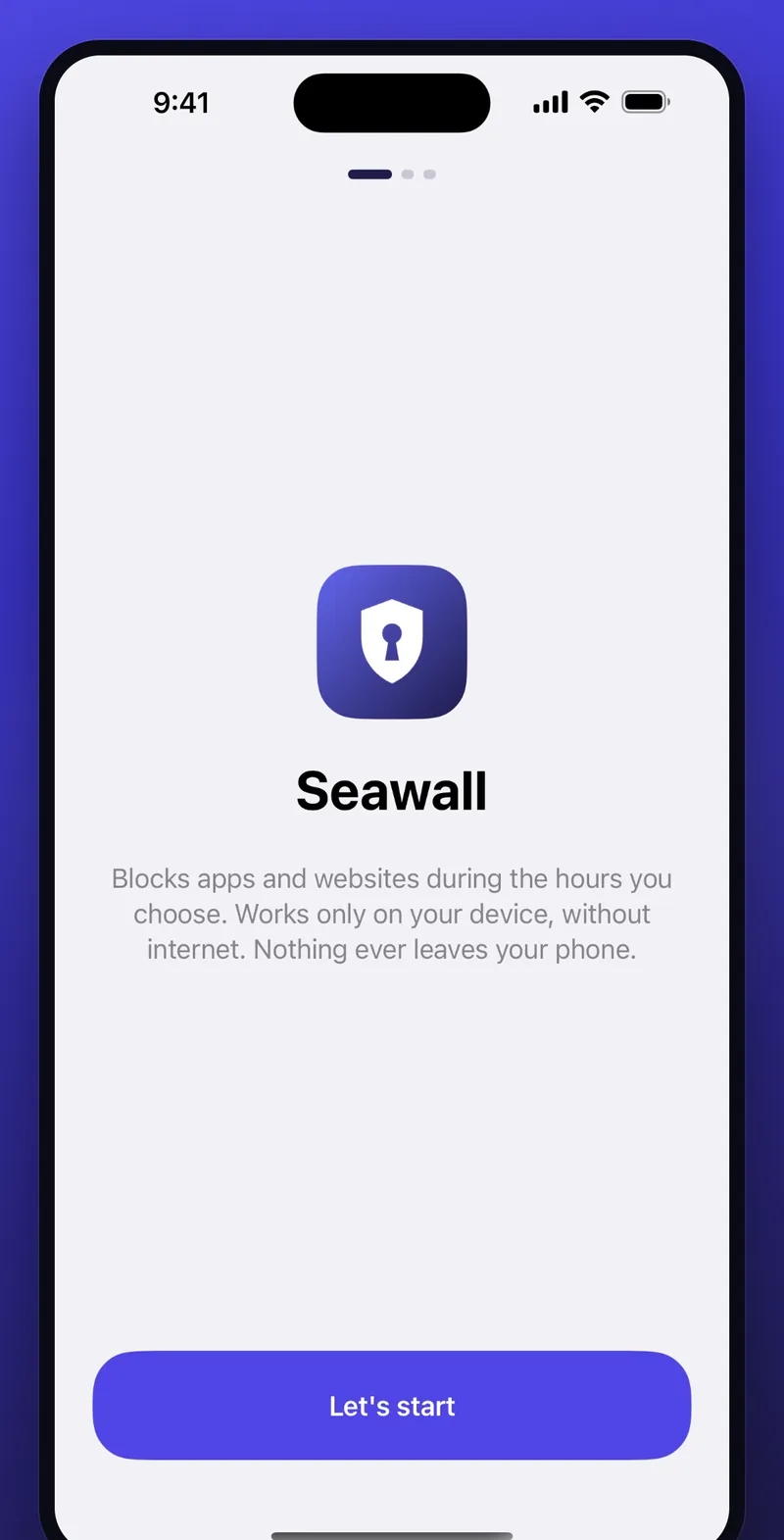
That removes a whole class of risk. No breach can expose your history, because there is no copy anywhere. No company can change its privacy policy on you. No subpoena, no acquisition, no "we now share with partners". The second trust is simply not asked for.
What you give up
Be clear-eyed. An offline blocker protects one phone, not your laptop or your router. It depends on operating-system features, so it can only block what those features expose: on Android the foreground app and the visible address, on iPhone what Screen Time can shield. A person with a computer and developer tools can uninstall any Android app. And it cannot send anyone a report, so accountability is a conversation, not a dashboard.
Locks are the other half
A filter that turns off in ten seconds is a suggestion. Seawall's PIN guards every exit: editing, removing, uninstalling from Settings, and turning protection off. The best setup is a friend typing a code you never learn. If you ever truly need out, there is a 24-hour delayed release, which is longer than any urge has ever lasted.
A fair summary
- VPN blocker: widest coverage, sees everything, needs internet, one-VPN limit.
- DNS filter: light and network-wide, no schedules or app blocks, off in seconds, the resolver sees your lookups.
- Offline blocker: sees only what the OS shows it, cannot leak by construction, locks behind a PIN, protects one device.
Use a DNS filter alongside Seawall if you like; they do not conflict. Just make sure the piece that holds your history is the one that cannot talk.